

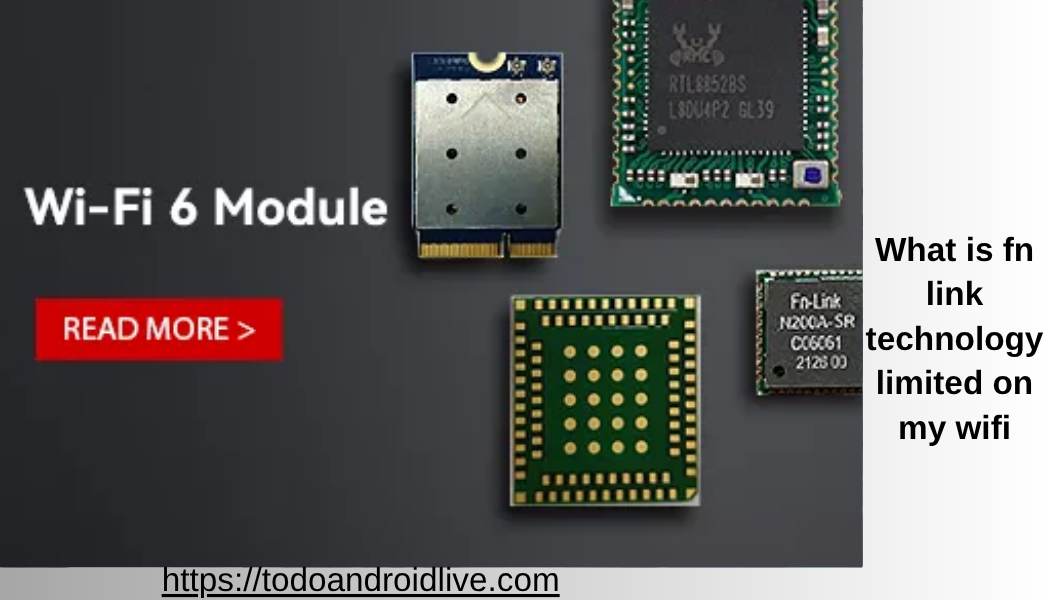
If you have ever checked your WiFi network and noticed a strange device name, you may have asked yourself a very common question: what is fn link technology limited on my wifi?
Seeing unknown devices on your network can feel confusing or even worrying. Many people think it could be a hacker or an unknown user. But in most cases, the answer is simple and not dangerous.
This complete guide explains everything in very easy English. You will learn what fn link technology limited on my wifi means, why it appears, whether it is safe, and what you should do about it.
By the end, you will feel confident and in control of your WiFi network.
What Is FN Link Technology Limited on My WiFi Simple Explanation
Let’s start with a clear answer.
What is fn link technology limited on my wifi?
It is not a person. It is not a hacker. It is usually a device connected to your WiFi that uses a wireless chip made by a company called FN-Link Technology Limited.
This company makes WiFi and Bluetooth modules that are used inside many electronic devices.
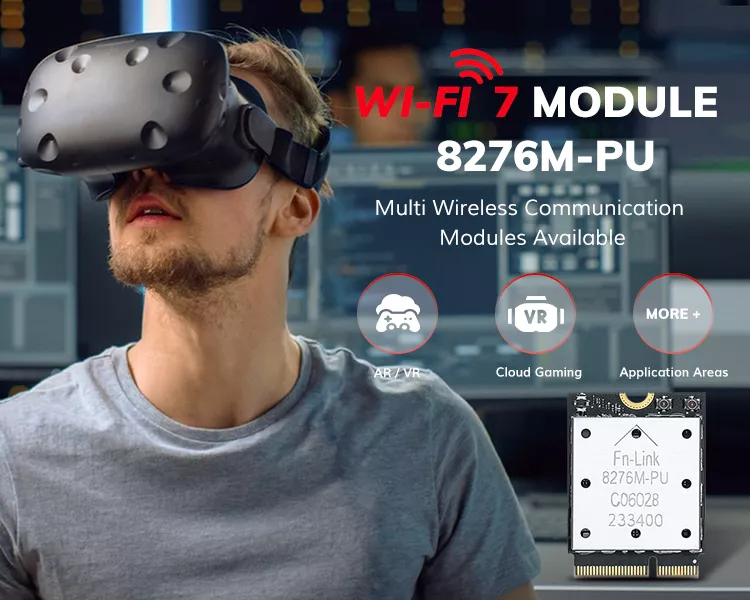
When your router shows this name, it means one of your devices is using a network component made by this company.
Also read:What Does Bible Say About Technology: A Simple and Practical Guide for Modern Life
So the name you see is not the device brand. It is the hardware manufacturer inside the device.
What Is Hunan FN Link Technology Limited on My WiFi
Sometimes the name appears longer.
You may see something like what is hunan fn link technology limited on my wifi.
This refers to the full company name, which is based in Hunan, China.
It does not change the meaning. It still refers to the same type of wireless module used in devices.
The extra name simply shows the location of the company.
Why FN Link Technology Limited Appears on Your WiFi
To understand what is fn link technology limited on my wifi, you need to know how devices connect to networks.
Every device has a unique identifier called a MAC address. This address is linked to the company that made the network chip.
Routers sometimes show the manufacturer instead of the device name.
So instead of seeing “Smart TV” or “Camera,” you see “FN Link Technology Limited.”
This happens because the router reads the chip information, not the product name.
Common Devices That Show FN Link Technology Limited
Many everyday devices use FN-Link modules.
Smart TVs often use these chips.
Streaming devices may use them.
Security cameras are a common example.
Smart home devices like plugs and bulbs may also use them.
Even some laptops and tablets can include these components.
So when you ask what is fn link technology limited on my wifi router, the answer is usually one of your own devices.
What Is FN Link Technology Limited on My WiFi Router
Now let’s answer a very specific version of the question.
What is fn link technology limited on my wifi router?
It means your router has detected a connected device that uses FN-Link hardware.
Your router is simply showing the technical manufacturer name.
It does not mean your router itself is made by that company.
It only means one of the connected devices uses that hardware inside.
What Is FN-Link Technology Limited on My WiFi Router With a Dash
You may also see a slightly different format.
What is fn-link technology limited on my wifi router?
The dash does not change anything. It is the same company and the same meaning.
Different routers display names in slightly different formats.
So whether you see FN Link or FN-Link, it refers to the same thing.
Is FN Link Technology Limited on My WiFi Safe
This is the most important question for many users.
Is it safe?
In most cases, yes.
If you own smart devices like TVs, cameras, or IoT gadgets, it is very likely one of them is using FN-Link hardware.
This is normal and not harmful.
Also read:SODICERAM: A COMPLETE GUIDE TO THIS MODERN CERAMIC MATERIAL
However, you should still check your network to make sure every device is recognized.
Being careful is always a good idea.
When Should You Be Concerned
Even though it is usually safe, there are situations where you should take action.
If you do not recognize the device, you should investigate.
If the device appears at strange times, it may need checking.
If your internet is slow or behaving oddly, it could be related.
If you see many unknown devices, it may be a security issue.
In these cases, do not ignore the situation.
How to Identify the Device
If you want to fully answer what is fn link technology limited on my wifi, you need to identify the exact device.
Start by turning off your devices one by one.
Check your router list after each device is turned off.
When the FN-Link entry disappears, you have found the device.
You can also check the MAC address in your router settings.
Some apps can help identify devices more clearly.
This process helps you match the name to the real device.
How to Secure Your WiFi Network
Even if everything looks safe, it is smart to protect your network.
Change your WiFi password regularly.
Use a strong password with letters, numbers, and symbols.
Enable WPA3 or WPA2 security on your router.
Turn off WPS if you do not need it.
Update your router firmware regularly.
These steps reduce the risk of unknown access.
Why Device Names Can Be Confusing
Many users get confused by device names.
This happens because routers do not always show friendly names.
They show technical data instead.
Manufacturers like FN-Link are part of the hardware, not the final product.
This is why the name looks unfamiliar.
Understanding this helps you avoid unnecessary worry.
My Analysis Why This Confuses So Many Users
Here is a deeper insight that most articles miss.
The real problem is not the device. It is the way routers display information.
Most routers are designed for technical users.
They show MAC-based manufacturer names instead of user-friendly labels.
This creates confusion for everyday users.
If routers showed “Living Room TV” instead of “FN Link Technology Limited,” fewer people would worry.
So the issue is more about design than security.
How Smart Devices Use FN-Link Technology
FN-Link modules are popular because they are affordable and reliable.
They are often used in mass-produced electronics.
This includes budget smart devices and even some well-known brands.
These modules handle WiFi and Bluetooth communication.
Also read:What Is a Technology Park A Complete Guide to Innovation Hubs in the Modern World
They help devices connect to your network easily.
This is why they appear so often.
Should You Remove FN Link Devices
If the device is yours, there is no need to remove it.
If you do not recognize it, you can block it from your router.
Most routers allow you to block devices using their MAC address.
You can also disconnect all devices and reconnect only the ones you trust.
This ensures your network is secure.
How to Rename Devices on Your Router
One helpful step is renaming devices.
Most routers allow you to assign custom names.
You can rename “FN Link Technology Limited” to “Bedroom Camera” or “Smart TV.”
This makes your network easier to manage.
It also prevents confusion in the future.
What This Means for Smart Home Users
If you use smart home devices, you will likely see names like this often.
Smart homes rely on many connected devices.
Each device may use different hardware manufacturers.
Understanding what is fn link technology limited on my wifi helps you manage your smart home better.
It also helps you stay calm when you see unknown names.
Future of Device Identification on WiFi
In the future, device naming may improve.
Routers may show clearer names.
AI may help identify devices automatically.
User-friendly interfaces may replace technical labels.
This will make it easier for everyone to understand their networks.
Until then, learning these basics is very helpful.
Final Thoughts on What Is FN Link Technology Limited on My WiFi
So, what is fn link technology limited on my wifi?
It is usually a normal device on your network that uses a wireless chip made by FN-Link Technology Limited.
It is not a hacker or a threat in most cases.
However, you should always check your network and confirm every device.
Understanding your WiFi network is an important part of staying safe online.
With the knowledge in this guide, you can confidently manage your network and avoid unnecessary worry.
Frequently Asked Questions
Why does FN Link Technology Limited show instead of my device name?
Your router shows the hardware manufacturer instead of the device name.
Can hackers use FN Link Technology Limited name?
Hackers can hide devices, but the name itself is not proof of hacking.
How do I remove unknown devices from my WiFi?
You can block them in your router settings or change your WiFi password.
Is FN Link Technology Limited a real company?
Yes, it is a company that makes wireless modules for electronic devices.
Why do smart devices use FN-Link modules?
They are cost-effective and widely used in electronics.
Can I hide my device name on WiFi?
Yes, some devices allow you to change or hide their network name.